OpsHub Integration Manager

No-code integration platform for rich bi-directional sync

OpsHub Migration Manager

Zero downtime migration to tool of your choice

OpsHub Archive Manager

Keep Historical Data, Without Slowing Down Your Tools

OpsHub Migrator for Microsoft Azure DevOps

Migrate or restructure Azure DevOps Instances

OpsHub Data Bridge

Real-time, context-rich data lake for AI or analytics

Discover our story, vision, and impact.

By Domain

Software Development & Agile Engineering

No-code integration across teams & systems

IT Service Management & Customer Support

Enable collaboration between IT, support & business teams

Product Lifecycle Management & Systems Engineering

Connect PLM & engineering teams for smarter products

Requirements Management for Regulated Industries

Ensure regulatory compliance from start to release

Blogs

Explore the latest in technology and best practices

Case Studies

Success stories from the field

White Papers

Actionable insights for your business challenges.

Videos

See solutions in action

EBooks

Learn, plan, and execute with confidence

Press Releases

Official announcements and updates

Webinars

Join discussions that drive results

News Letters

Stay ahead with curated insights

Blog

The Coming Divide in Defense: Federation or Fallout Under DoDI 5000.97

The defense industry is entering a pivotal phase with the introduction of DoDI 5000.97, mandating the shift to Digital Engineering (DE). This article examines the challenges, including tool interoperability and data governance, and how suppliers can adapt through Intelligent Federation and integration platforms like OpsHub.

OpsHub Integration Manager

Pre-commit and post-commit Subversion (SVN) to Jira integration

Associate Subversion commits with the corresponding Jira issues for clear release visibility. Code changes stay connected to the issues that triggered them, so teams can see exactly what changed, why it changed, and where it was implemented.

Request a Demo

Enforce commit compliance between Subversion and Jira

Subversion remains critical in regulated and large-scale engineering environments, yet limited visibility into commit activity can create traceability gaps. With OpsHub Integration Manager (OIM), organizations can enforce commit quality through pre-commit hooks that ensure every Subversion commit references a valid, open Jira issue before it is accepted. As a result, it prevents untracked changes and supports compliance requirements.

Trusted by the world’s leading enterprises

Why companies choose OpsHub

Integration that fits your development workflow

No process changes. No team disruption. Developers continue committing code in Subversion while referencing Jira issue IDs in commit messages. OpsHub links repository activity to the appropriate Jira issues, supporting multiple repositories, Jira projects, and custom configurations without forcing workflow changes.

Secure, scalable, plugin-free Integration

OpsHub operates externally through secure APIs, eliminating the need for plugins or repository-side installations. This approach avoids performance impact on Subversion and Jira while remaining stable across upgrades, repository changes, and large development environments.

Complete visibility between code and issues

Connect repository activity with issue tracking. Commit IDs, messages, authors, timestamps, and repository paths appear directly within the related Jira issues, giving teams clear insight into how development work maps to tracked tasks, defects, and requirements.

Why you should Integrate Subversion and Jira

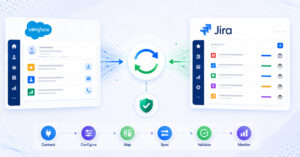
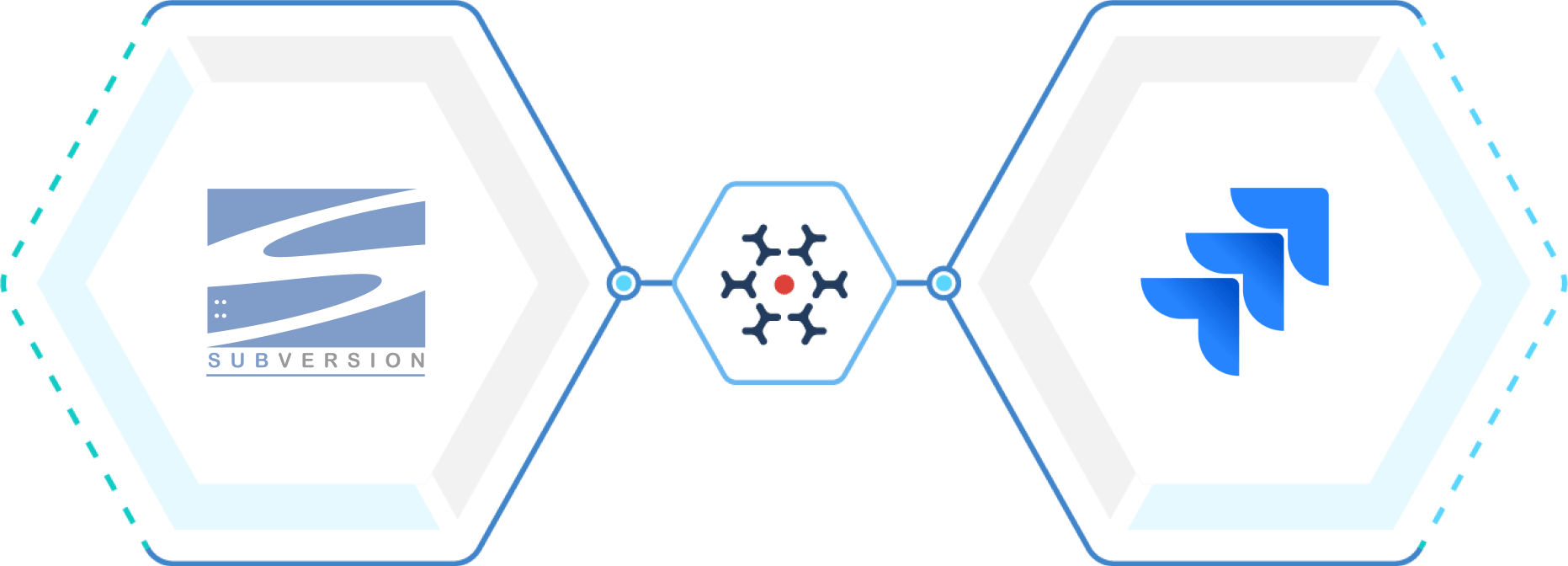
Subversion to Jira integration workflow linking source code commits and issue tracking

How OpsHub Integration Manager integrates Subversion and Jira

OIM is an enterprise-grade integration platform that goes beyond simple commit referencing by preserving the technical context between code changes and tracked development work.

Subversion to Jira: Commit information (Commit IDs, commit messages), authors, timestamps, and repository paths appear within the related Jira issues when developers reference issue IDs in commit messages.

The integration runs externally through secure APIs, eliminating the need for plugins in either Subversion or Jira and avoiding performance impact. Administrators can configure how repository activity is linked to Jira issues, ensuring commits are routed to the appropriate Jira projects.

The outcome: Development teams maintain clear traceability between code and issues, project stakeholders gain visibility into repository activity directly from Jira, and organizations preserve a reliable record linking requirements, development work, and code changes.


Integrate Subversion and Jira in 4 easy steps

01

Step

Configure Subversion and Jira connections

02

Step

Select projects and entities to integrate  

03

Step

Define synchronization direction and filters  

04

Step

Map fields and activate synchronization 

Use case: Subversion and Jira Integration

Problem Statement

When Subversion and Jira remain disconnected, repository commits are not clearly associated with the work items driving them. As a result, it becomes difficult to determine which code changes correspond to which issues, troubleshooting takes longer, and visibility between development activity and project tracking is reduced.
Goal

Maintain a clear and traceable connection between Jira issues and Subversion commits so teams can see how requirements, bug fixes, and enhancements are implemented in the codebase.

Benefits of Integration for Subversion and Jira users

Subversion users

Jira users

Business value provided

Better Resource
Utilization

0%

Increase in
Customer Satisfaction

0%

Growth in SLA
Turnaround Time

0%

Get Started with Subversion and Jira Integration Today!

Integrate Jira with these connectors