OpsHub Integration Manager

No-code integration platform for rich bi-directional sync

OpsHub Migration Manager

Zero downtime migration to tool of your choice

OpsHub Archive Manager

Keep Historical Data, Without Slowing Down Your Tools

OpsHub Migrator for Microsoft Azure DevOps

Migrate or restructure Azure DevOps Instances

OpsHub Data Bridge

Real-time, context-rich data lake for AI or analytics

Discover our story, vision, and impact.

By Domain

Software Development & Agile Engineering

No-code integration across teams & systems

IT Service Management & Customer Support

Enable collaboration between IT, support & business teams

Product Lifecycle Management & Systems Engineering

Connect PLM & engineering teams for smarter products

Requirements Management for Regulated Industries

Ensure regulatory compliance from start to release

Blogs

Explore the latest in technology and best practices

Case Studies

Success stories from the field

White Papers

Actionable insights for your business challenges.

Videos

See solutions in action

EBooks

Learn, plan, and execute with confidence

Press Releases

Official announcements and updates

Webinars

Join discussions that drive results

News Letters

Stay ahead with curated insights

OpsHub Migrator for Microsoft Azure DevOps (OM4ADO)

Migrate between TFS environments without forced upgrades

Need to move to a newer TFS or Azure DevOps Server version without going to the cloud? OM4ADO migrates your full history, work items, source code, and team setup between on-prem servers - with no downtime and no forced upgrades.

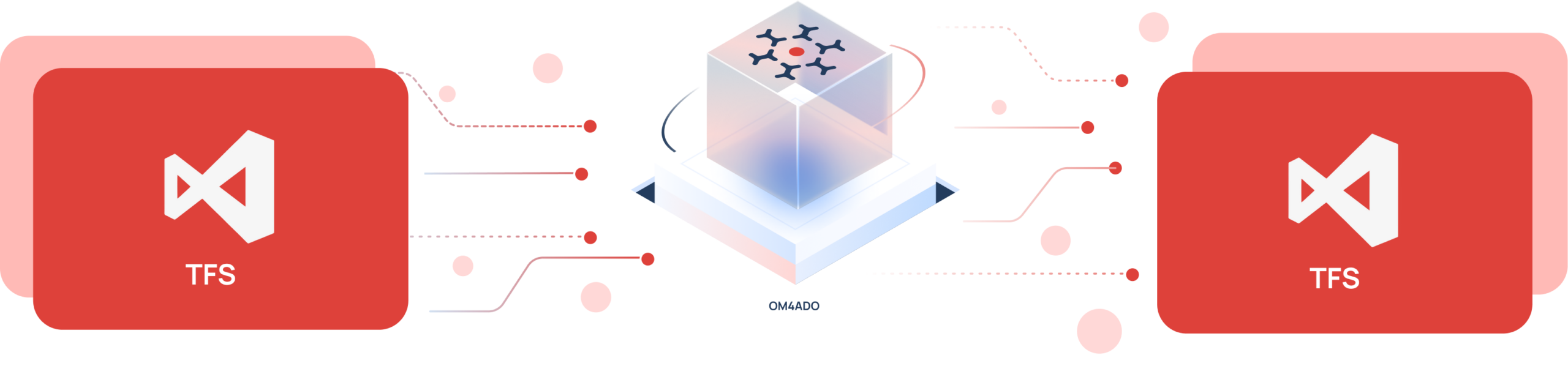
TFS to TFS migration

Trusted by forward-thinking teams across the globe

Why migrating between TFS servers is harder than a simple backup

On-prem TFS migration looks straightforward. In practice, version differences, custom templates, user identity systems, and the sheer size of enterprise collections make it far harder than copying a backup file to a new server.

Version compatibility issues

TFS versions differ in schema and fields. Moving between versions without the right tool causes mapping errors and content loss.

Custom template conflicts

Teams build custom fields and work item types over years. A mismatch in templates causes work items to fail or import incorrectly.

TFVC history risk

TFVC holds years of changesets and branch history. A file copy moves only the latest code - all change history is gone

User account remapping

TFS accounts are tied to Windows domains. A new server breaks Assigned To and other user fields unless accounts are remapped

Downtime freeze risk

A backup-and-restore requires a full server freeze. This blocks active sprints, stops pipelines, and forces a hard cutover with no validation time.

Enterprise scale complexity

Big TFS collections have millions of revisions. Transfers without a structured approach time out, stall on edge cases, and need manual fixes.

Complete TFS migration with OM4ADO

OpsHub Migrator for Microsoft Azure DevOps executes migration as a structured, zero-risk transition & not a one-time export.

01

Selective project migration

OM4ADO lets you migrate selected projects from each source instance in phases, moving what’s ready now and reducing big-bang risk.

02

Phased migration execution

Execute migrations in controlled waves. Move selected projects, validate, then proceed, reducing big-bang risk and aligning timelines with business priorities.

03

Full TFVC history transfer

OM4ADO migrates all changesets, branch history, and labels. The new server gets a complete source code history from the very first changeset.

04

Domain identity mapping

OM4ADO maps user accounts from source to target server. Where names match, it maps instantly. Others are imported via Excel in bulk.

05

Zero downtime execution

Teams continue working in TFS while migration runs in parallel. Development does not stop during transition.

06

Shift to Azure DevOps Server without TFS upgrades

OM4ADO supports any TFS version from 2010 to Server 2022 and migrates to the target directly. No intermediate upgrades are needed.

What Gets Migrated - Complete Entity Coverage

See how OM4ADO handles your on-prem TFS migration

Get a free 30-minute live demo with our migration experts and see exactly how the tool handles your TFS version and setup.

5 Steps to migrate between TFS or Azure DevOps server instances

Connect environments securely

Link TFS or Azure DevOps server instances using secure credentials.

Define migration scope

Select projects, repositories, and entities to migrate.

Map identities templates

Align users, permissions, and process configurations.

Execute migration sync

Run initial migration and enable incremental sync.

Validate cutover transition

Verify integrity and smoothly transition active teams.

Proven across enterprises

Trusted by leaders in technology, aerospace, defence, and healthcare

Ready to upgrade or move your on-prem TFS environment?

Book a free 30-minute consultation with our TFS migration experts. We'll assess your TFS environment and design a risk-free migration roadmap.