











OpsHub Integration Manager

No-code integration platform for rich bi-directional sync

OpsHub Migration Manager

Zero downtime migration to tool of your choice

OpsHub Archive Manager

Keep Historical Data, Without Slowing Down Your Tools

OpsHub Migrator for Microsoft Azure DevOps

Migrate or restructure Azure DevOps Instances

OpsHub Data Bridge

Real-time, context-rich data lake for AI or analytics

Discover our story, vision, and impact.

By Domain

Software Development & Agile Engineering

No-code integration across teams & systems

IT Service Management & Customer Support

Enable collaboration between IT, support & business teams

Product Lifecycle Management & Systems Engineering

Connect PLM & engineering teams for smarter products

Requirements Management for Regulated Industries

Ensure regulatory compliance from start to release

Blogs

Explore the latest in technology and best practices

Case Studies

Success stories from the field

White Papers

Actionable insights for your business challenges.

Videos

See solutions in action

EBooks

Learn, plan, and execute with confidence

Press Releases

Official announcements and updates

Webinars

Join discussions that drive results

News Letters

Stay ahead with curated insights

Compare-2.png

Evaluation Toolkit

Evaluate before you buy

Blogs

Explore the latest in technology and best practices

Case Studies

Success stories from the field

White Papers

Actionable insights for your business challenges.

Videos

See solutions in action

EBooks

Learn, plan, and execute with confidence

Press Releases

Official announcements and updates

Webinars

Join discussions that drive results

News Letters

Stay ahead with curated insights

How to maintain data integrity during Jira Cloud migrations
Blog

How to maintain data integrity during Jira Cloud migrations

This guide explains how to maintain data integrity during Jira Cloud migrations, and Jira migration in general, using Jira Cloud Migration Assistant (JCMA) with OpsHub Migration Manager (OMM). It covers what moves, where integrity breaks, the checks that keep data accurate, and how the two tools work together.
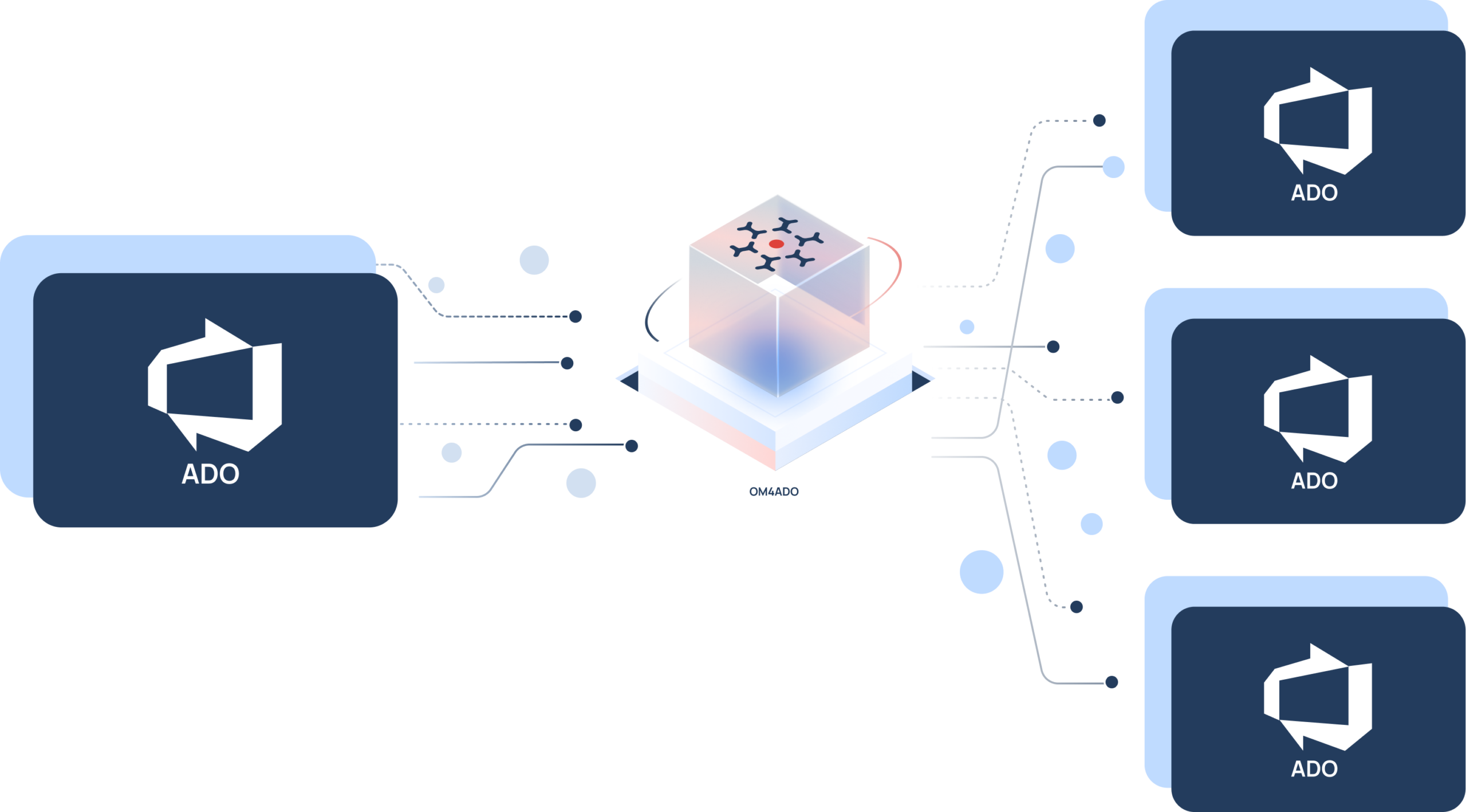

OpsHub Migrator for Microsoft Azure DevOps (OM4ADO)

Split Azure DevOps instance precisely and without dissruption

Split the teams, projects, or business units into separate Azure DevOps environments. Preserve history, repositories, and traceability while development continues uninterrupted.

Split ADO instances

Trusted by forward-thinking teams across the globe

Why splitting a DevOps instance is high-stakes work

Each instance has its own users, templates, IDs, and permissions. Without the right tool, splitting them leads to data conflicts & broken links.

Selective data extraction

Separating specific projects without moving unrelated data requires precise scope control. Incomplete extraction breaks dependencies and relationships.

Broken cross-project links

Work items often reference artifacts outside their project boundary. Splitting must preserve traceability chains without leaving broken links.

Shared identity separation

Users and groups may belong to multiple teams. Incorrect identity separation causes permission gaps in new environments.

Pipeline configuration alignment

Build and release pipelines tied to shared resources must be restructured carefully to avoid delivery interruptions.

Downtime freeze risk

Splitting of instances often happen during restructuring. Teams cannot pause development while environments are separated.

Tight deadline pressure

De-merger follow fixed legal or regulatory deadlines. A stalled migration risks delaying critical business events.

The OpsHub approach to precise instance division

OM4ADO full-fills precision split demands. It extracts exactly what is needed, no more, no less, while keeping the traceabilty fully intact. 

01

Selective project migration

OM4ADO lets you migrate selected projects from each source instance in phases, moving what’s ready now and reducing big-bang risk.

02

Area path filtering

Define extraction boundaries using area path segmentation. Only selected work items move to the new environment, while everything else remains intact and fully operational in the source.

03

Cross-version data transfer

Move data seamlessly across Azure DevOps or TFS versions and platforms while preserving integrity, history, and traceability throughout the migration process.

04

Identity preservation model

Users and groups are mapped carefully to maintain traceability, ownership, and access control across environments.

05

Zero downtime execution

Teams continue working in ADO or TFS while migration runs in parallel. Development does not stop during transition.

06

Built-in failure recovery

If a step fails, OM4ADO doesn’t restart from scratch. Resolve the issue and resume from the last successful point no re-migration needed.​

What gets carved out - Complete entity coverage

Experience precise splits of Azure DevOps instances with OM4ADO

See how OM4ADO handles your split instance scenario - in a free 30-minute live demo with our migration experts.

5 Steps to split your Azure DevOps instance

Connect environments securely

Link TFS or ADO instances using secure credentials.

Define migration scope

Select projects, repositories, and entities to migrate.

Map identities templates

Align users, permissions, and process configurations.

Execute migration sync

Run initial migration and enable incremental sync.

Validate cutover transition

Verify integrity and smoothly transition active teams.

Proven across enterprises

Trusted by leaders in technology, aerospace, defence, and healthcare

Frequently Asked Questions

These are the questions we hear most often from teams planning Azure DevOps migration.

How can I split an Azure DevOps organization into multiple organizations while preserving project history?

You split an Azure DevOps organization by migrating selected projects into new organizations, not by copying the whole organization and deleting what you do not need. OpsHub Migrator for Microsoft Azure DevOps (OM4ADO) extracts only the projects you choose, with work items of every type, their full revision history, comments and attachments. Area and iteration path hierarchies, test plans, suites, cases, runs and results, dashboards, queries, widgets, pipeline configurations, and user permissions, groups and teams move with them. Cross-project links are handled with explicit boundary controls, so links that should follow a project do, and the rest stay intact in the source.

How do I split a TFS project collection into multiple collections or Azure DevOps organizations?

The same way, and you do not need to upgrade TFS first. OM4ADO reads the source collection and writes to the targets directly, across versions and across platforms, so a collection on an older TFS release can be divided into separate TFS environments or into separate Azure DevOps organizations in a single step. Supported directions include Azure DevOps into multiple Azure DevOps organizations, Server into separate Server instances, and TFS into multiple TFS environments. Scope is set by project and by area path, so only the selected work items move and everything else keeps running in the source.

How do I migrate Azure DevOps projects across different Azure DevOps tenants?

Across tenants, a migration is a project-level move between two organizations that do not share identities, so user mapping is the part to get right. OM4ADO connects to both organizations through their APIs and maps users and groups across the tenant boundary, so ownership, assignment and history attribution stay with the right people instead of defaulting to a service account. Work items and their revisions, attachments, test entities, area and iteration paths, dashboards and pipeline configurations move with the project, and teams keep working in the source tenant while the migration runs.

What are the top solutions for large-scale work item migration to Azure DevOps Services?

Volume by itself is rarely what decides the approach. What decides it is whether revision history, attachments, links and identities have to survive, and whether teams can stop working while the records move. A tool that migrates in waves and then syncs only new and changed records handles high volumes without a freeze, because you move one group of projects, validate it, and move the next. OM4ADO works this way, and it resumes from the last successful point after a failure rather than starting the run again, so a problem late in a long run does not cost you the whole migration.

What are the best practices for syncing Azure DevOps projects?

Decide first whether you need a one-time move or an ongoing connection, because they are different jobs. During a split, run incremental synchronization after the initial migration so the new organization stays current while you validate it, and keep the source available until teams have moved across. If the separated organizations need to stay connected afterwards, for example where two business units still share a programme, that is ongoing integration rather than migration: it runs continuously between the two environments instead of ending at cutover, and it is configured separately from the split itself. 

Plan your Azure DevOps instance spliting

Book a free 30-minute consultation with our Azure DevOps migration experts. We'll design a risk-free instance split roadmap.